8 min read OPEN QR CODE GENERATOR

The QR Code That Saved My Restaurant (And Why Most Businesses Are Using Them Wrong)

A health inspection panic turned into a revelation about how QR codes have evolved from gimmicks to essential business tools—and why most companies are still using them like it's 2010.

Author

Alex Martinez

Small Business Technology Expert

Restaurant owner showing QR code on menu to health inspector
A simple QR code on a restaurant menu can be the difference between a violation and a smooth inspection

The city inspector walked into my friend's restaurant at the worst possible time—7:30 PM on a Friday, every table full, kitchen running at max capacity. He wanted to see the health inspection certificate. The physical copy. Which was framed. In the basement office. Behind a stack of delivery boxes.

That moment of pure panic where you know you're about to get a violation not because you're doing anything wrong, but because you can't prove you're doing things right...

Then he remembered the QR code. He'd added it to the menu as a gimmick—scan for our full wine list. But he'd also linked it to a Google Drive folder with all his certificates: health inspection, business license, fire safety. Thirty seconds later, the inspector was nodding and moving on. No violation. No basement digging. Just a smooth, professional interaction.

That was the moment I realized QR codes had evolved from tech curiosity into business essential. Most businesses are using them like it's still 2010—boring black-and-white squares linking to generic homepages. That's like having a smartphone and only using it for calls. You're missing 90% of the value.

The QR Code Renaissance Nobody Saw Coming

I'll admit it: I wrote QR codes off as dead tech around 2015. They were clunky, required special apps, and most implementations were lazy marketing—"scan to visit our website" as if typing a URL was some monumental barrier.

Then the pandemic hit, and suddenly every restaurant needed contactless menus. Apple built QR scanning into the camera app in iOS 11. Android followed. Just like that, a technology that had limped for a decade became ubiquitous. The pandemic accelerated adoption by about five years.

What Most "Free QR Generators" Get Wrong

Back in March, I needed a QR code for a workshop. I Googled "free QR code generator," clicked the first result, and five minutes later had a code. Great, right? Except three weeks later, I discovered the generator had inserted a redirect. My QR code wasn't linking directly to my site—it was routing through their server, tracking every scan, capturing location data, device info, and selling it.

⚠️ The Dirty Secret of Free Generators

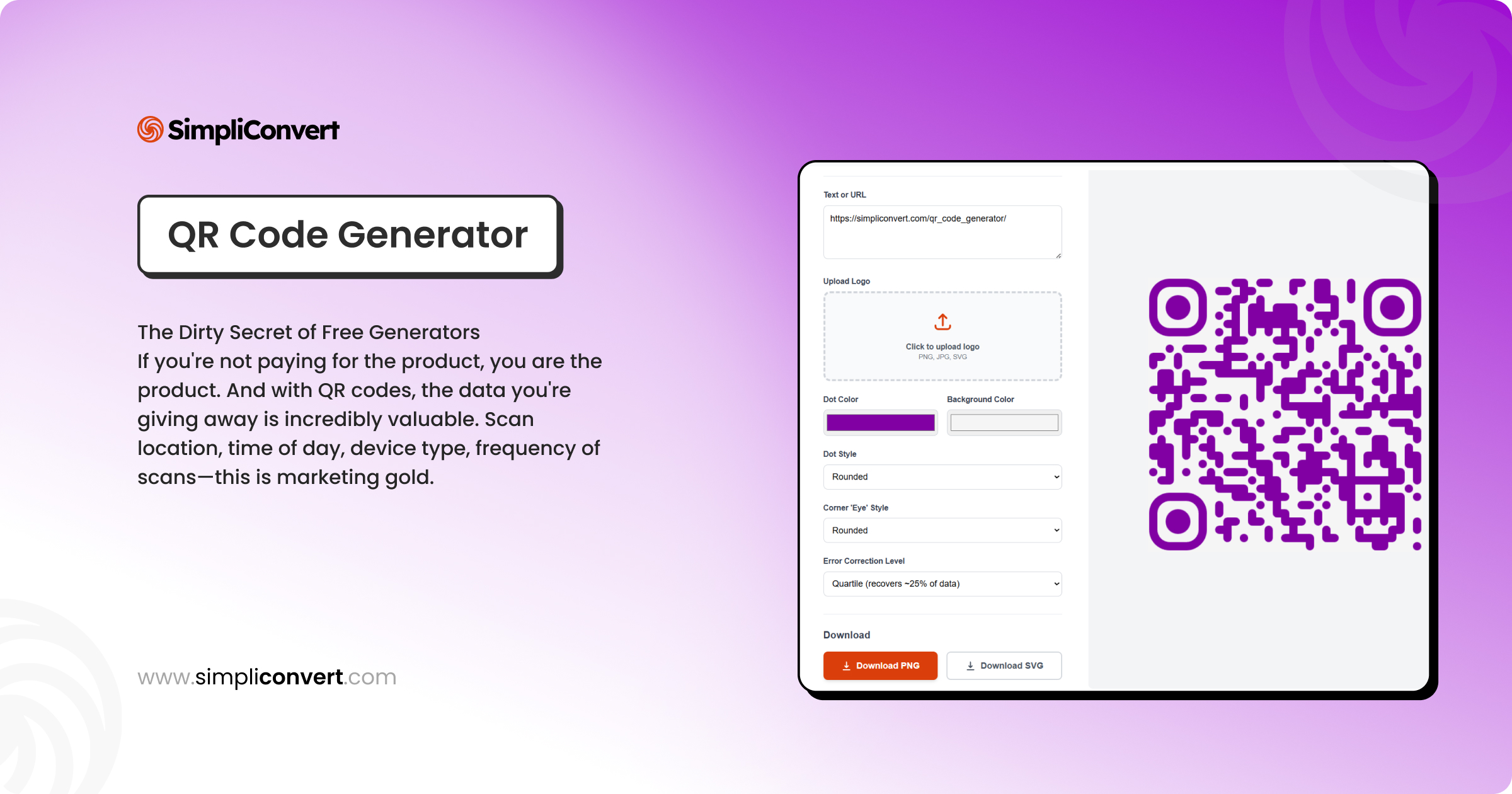
If you're not paying for the product, you are the product. QR code scan data—location, time, device type—is marketing gold.

Always verify your QR code points directly to your content with no middlemen.

A Proper QR Generator Should:

  • ✓ Generate client-side (nothing sent to server)
  • ✓ Offer multiple data types (URLs, vCards, WiFi)
  • ✓ Allow custom error correction levels
  • ✓ Provide vector formats (SVG/EPS)
  • ✓ Never redirect through third-party servers
  • ✓ Support bulk generation
  • ✓ Include brand customization
  • ✓ Offer accessibility checks

Dynamic vs. Static: The Decision That Changes Everything

This is where businesses make their biggest mistake. They generate a static QR code without realizing they've locked themselves into a permanent decision.

The $40,000 Mistake

A brewery printed QR codes on beer cans linking to a brewing video. Six months later, they rebranded. The code was static—they couldn't change the URL. They had to reprint every single can. Cost them $40,000.

Static QR Codes

  • • Permanent destination
  • • Completely private
  • • Free to generate
  • • Best for: business cards, packaging
✓ Forever stable ✗ No analytics ✗ Cannot edit

Dynamic QR Codes

  • • Editable destination
  • • Includes analytics
  • • Requires subscription
  • • Best for: campaigns, events
✓ Flexible ✓ Analytics ✗ Requires trust

My recommendation: Use a hybrid strategy—static codes for permanent fixtures, dynamic codes for campaigns.

Design QR Codes That People Actually Want to Scan

Ugly QR codes—black and white squares slapped on posters with no context—are the digital equivalent of "click here." Here's how to do better:

  1. 1

    Brand Your Codes

    Incorporate colors and logo. A coffee shop using their signature green saw 40% more scans.

  2. 2

    Size Appropriately

    Minimum 2×2 cm for close scanning. For posters: divide scanning distance by 10 for minimum size in cm.

  3. 3

    Pair with a Strong CTA

    "Scan for 10% discount" beats naked codes. Tests show 3x more scans with clear CTAs.

  4. 4

    Test in Context

    Print it, place it, scan with 3 different phones. A museum tested 5 sizes—winner was chest-height with context.

Advanced Use Cases That Will Make You Reconsider Everything

Here's where QR codes get exciting. Forget menus—think bigger.

Passwordless WiFi Access

Guests scan and connect instantly—no more spelling out passwords. Professional touch that saves time.

Supply Chain Tracking

Chocolate company links to cacao farm origin. They charge 40% more and can't keep it in stock.

Medical Information

Keychain QR with allergy info and emergency contacts for first responders.

Event Intelligence

Conference badges with vCard exchange and interaction logging. 3-5x higher engagement.

The Technical Details That Matter

Not all QR codes are equal. The ISO/IEC 18004 spec allows different versions and error correction levels.

Specification Options Best Use Case
Error Correction L (7%), M (15%), Q (25%), H (30%) H-level for shipping boxes, L-level for pristine business cards
Versions 1 (21×21) to 40 (177×177 modules) Larger versions store more data but are harder to scan
Quiet Zone Minimum 4 modules wide Never crop this out—unscannable without it

Supported Data Types

A quality generator should support: URL, Text (4,296 chars), Email, Phone, SMS, vCard, WiFi, Geographic coordinates, Calendar events.

Vector Formats for Print

Always export as SVG or EPS for print. PNGs become pixelated. A $10,000 banner was ruined because they used a 300px PNG for a 10-foot print.

My QR Code Generator Wishlist

📦

Batch Generation

Upload a CSV of URLs, get hundreds of codes. Essential for product catalogs.

✓ Process hundreds simultaneously
📊

Privacy-Compliant Analytics

Location, device, time, unique vs. repeat scans—in aggregated, anonymized format.

✓ Anonymized data only
🎨

Brand Kit Integration

Save colors and logo overlay. Automatic contrast checks ensure scannability.

✓ Saves time across campaigns
🔒

Smart Security Features

Password protection, expiration dates, automatic SSL for dynamic links.

✓ Perfect for private events

The Future: Interactive & Intelligent QR Codes

QR codes that trigger different actions based on time, location, or scan history. Businesses implementing this see 3-5x higher engagement.

Morning scan shows breakfast menu, evening scan shows dinner. In-store shows product details, at home shows reordering options.

Your QR Code Action Plan

Don't just generate a code and stick it somewhere. Be strategic:

  1. 1

    Start with One Use Case

    Menus for restaurants, product info for e-commerce, WiFi for physical spaces. Master one before expanding.

  2. 2

    Test Obsessively

    Print it, scan with different phones, lighting, distances. Test before printing 10,000 copies.

  3. 3

    Measure Everything

    Use a URL shortener with analytics. No scans after two weeks? It's placement or CTA, not the code.

  4. 4

    Think Beyond URLs

    Generate vCards for business cards, WiFi codes for offices, calendar events for meetings.

The Bottom Line

QR codes aren't just back—they're better, and they're here to stay. But a poorly implemented QR code is worse than no code at all. It makes you look dated.

A well-designed, strategically placed QR code? It's a seamless bridge between physical and digital. It makes your business look modern, efficient, and customer-focused.

Start simple. Do it right. Stop putting black-and-white squares in corners with no context. Your customers—and conversion rates—will thank you.

About the Author

Alex Martinez helps small businesses implement practical technology solutions. He's led digital transformation for 200+ restaurants and retail shops.

Try Our QR Generator →

Frequently Asked Questions

What's the difference between static and dynamic QR codes?

Static QR codes have a permanent destination that cannot be changed. They're encoded directly and offer complete privacy. Dynamic QR codes use a short URL that redirects to your content, allowing you to change the destination anytime and track analytics.

How small can I print a QR code?

Minimum 2×2 cm (0.8×0.8 inches) for close scanning. For posters, divide scanning distance by 10 to get minimum size in centimeters. Always test before mass printing!

Can QR codes be customized with my brand colors?

Yes! Modern generators allow color customization while maintaining scannability. The key is ensuring sufficient contrast. Our tool includes automatic contrast checking.

Are QR codes secure? Can they be hacked?

The QR code itself is just data and cannot be "hacked." The security risk lies in where it points. Always verify your QR code links to your intended destination. For sensitive applications, use static codes you control completely.

What file format should I use for print vs. digital?

For print: Always use vector formats (SVG/EPS). For digital: PNG at 2x or 3x resolution works well. Never use low-res PNG for print—it becomes pixelated and unscannable.

Can I track how many people scan my QR code?

Only with dynamic QR codes. Static codes don't offer built-in analytics, but you can use a URL shortener like Bitly to track clicks on the destination URL.

Related Topics